Unlock Creator Mode - Here's Why...
Have you ever wished there was a way to bolster your presence and amplify your voice on LinkedIn, one of the world's largest professional networking platforms? Great news! LinkedIn Creator Mode is a great way to do just that. Let's dive into what LinkedIn Creator Mode is, why it's a game-changer for you, and how you can ace it for maximum visibility. So let's get cracking!
What is LinkedIn Creator Mode?
In the spirit of keeping things exciting, LinkedIn introduced Creator Mode. It's a relatively new feature that turns your traditional LinkedIn profile into a powerful content-creating platform. The focus is shifted from your professional history and skill set towards your creative content, making you more discoverable to LinkedIn's vast community.
Why should you use LinkedIn Creator Mode?
Creator Mode is more than just a cool new feature. It's a significant boost for content creators, thought leaders, influencers, and anyone looking to build a strong personal brand on LinkedIn.
Here's why:
- Increased Visibility: The content you share on LinkedIn is automatically amplified, getting the limelight it deserves.
- Build an Engaged Following: With the "Connect" button replaced by "Follow," you can cultivate an audience interested in your insights and ideas.
- Enhanced Personal Branding: Your content, not just your job titles, is the star. Showcase your knowledge and passion to potential employers, clients, and colleagues.
Best Practices for using LinkedIn Creator Mode
Now that we've got you intrigued about Creator Mode, let's talk about the best practices to make the most of it.
- Know Your Audience: Understand who you're speaking to. Tailor your content to resonate with your target audience, delivering value in every post.
- Consistent Content Creation: Consistency is key. Regularly sharing relevant, high-quality content will keep your audience engaged and coming back for more.
- Interactive Posts: Nobody likes a monologue. Encourage interaction by asking questions or seeking feedback. LinkedIn's algorithm loves engagement! Consider tagging people who may be especially interested in your topic and ask them to comment.
- Personal Branding: Use the "Featured" and "Activity" sections to highlight your best content and showcase your thought leadership.
- Effective Use of Hashtags: LinkedIn suggests five hashtags related to your areas of interest. Pick them wisely to increase the discoverability of your content.
- Utilize Video Content: As you know, video is HOT on all the social platforms. LinkedIn has upped their game in this area big time! LinkedIn Live and LinkedIn Stories are excellent tools for sharing your expertise in an engaging format. Here's a little more information about each tool.LinkedIn Live is the platform's live video broadcasting service. It allows users to stream live video content to their LinkedIn network, thus facilitating real-time engagement with their audience. The service is particularly useful for sharing industry insights, conducting interviews, hosting Q&A sessions, or giving behind-the-scenes looks at your operations.LinkedIn Stories is a feature that allows users to share short video and photo content with their LinkedIn network. Similar to other social media platforms, LinkedIn Stories appear at the top of the mobile app's home page and disappear after 24 hours. LinkedIn Stories is a great way to showcase your professional personality, share insights, and increase engagement with your network.
LinkedIn Creator Mode is a fantastic tool to bolster your presence on this professional networking platform. It provides an opportunity to build a strong personal brand, increase your visibility, and connect with like-minded professionals.
Remember, consistency, relevance, engagement, personal branding, and wise use of hashtags are your keys to unlocking the full potential of Creator Mode. It's time to shine, Creators!
Need Help Growing and Managing Your LinkedIn?
We are LinkedIn experts. In fact, Claudia is an official "LinkedIn Advisor" deemed so by LinkedIn. There are many things you can do with LinkedIn to maximize your network and generate leads. But learning these tricks and implementing them may take valuable time away from your clients. Click below to learn more about how we can help you grow your referral partner base AND your email list!
(Note: this service can be applied to any professional wanting to grow their LinkedIn network and their business!)
Looking for Great Content to Share? We've Got You!
We LOVE creating cool and relevant content for YOU to share with your audience. No need to spend hours every day staring at a blank screen! Our ever-growing inventory includes posts and captions for real estate, reverse mortgage, coaches, retirement specialists and more. Be sure to check it out below!
-
Video Customization
$ 147.00 -

Reverse Mortgage Explainer Female LO
$ 147.00 -
Reverse Mortgage Explainer Male LO
$ 147.00 - Sale!
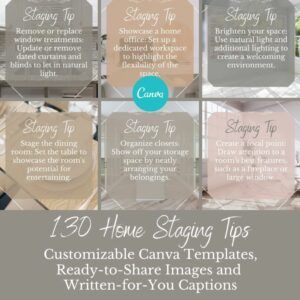
130 Home Staging Tips for Realtors
Original price was: $27.00. $ 17.00 Current price is: $17.00. - Sale!
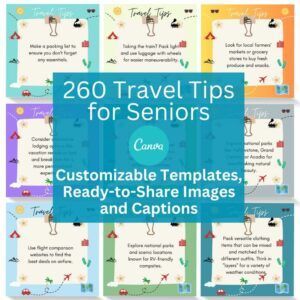
260 Senior Travel Tips
Original price was: $37.00. $ 27.00 Current price is: $27.00. - Sale!

125 “Retirement Is…”
Original price was: $27.00. $ 17.00 Current price is: $17.00. - Sale!
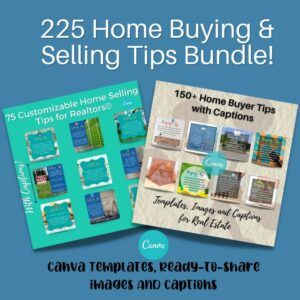
225 Home Buying and Selling Tips Bundle
Original price was: $37.00. $ 32.00 Current price is: $32.00. -
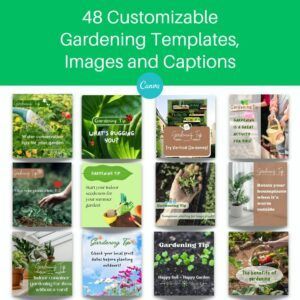
48 Gardening Tips
$ 7.00 -
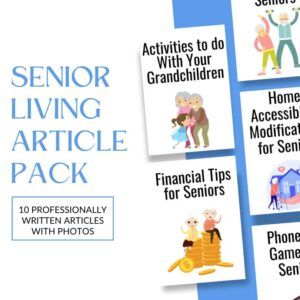
10 Retirement Lifestyle Articles
$ 17.00 -

10 Real Estate Article Pack
$ 17.00 -
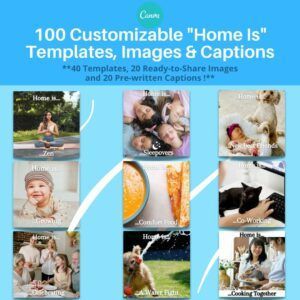
100 “Home Is” Templates
$ 13.00 - Sale!
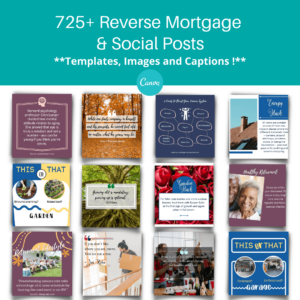
725+ Reverse Mortgage Content Bundle
Original price was: $97.00. $ 67.00 Current price is: $67.00.